How to Choose the Right AI-Powered Learning Platform for Your Child
Every child learns differently. Some students understand concepts quickly through videos, while others need extra practice, clear explanations, or guidance from a teacher. This is why…
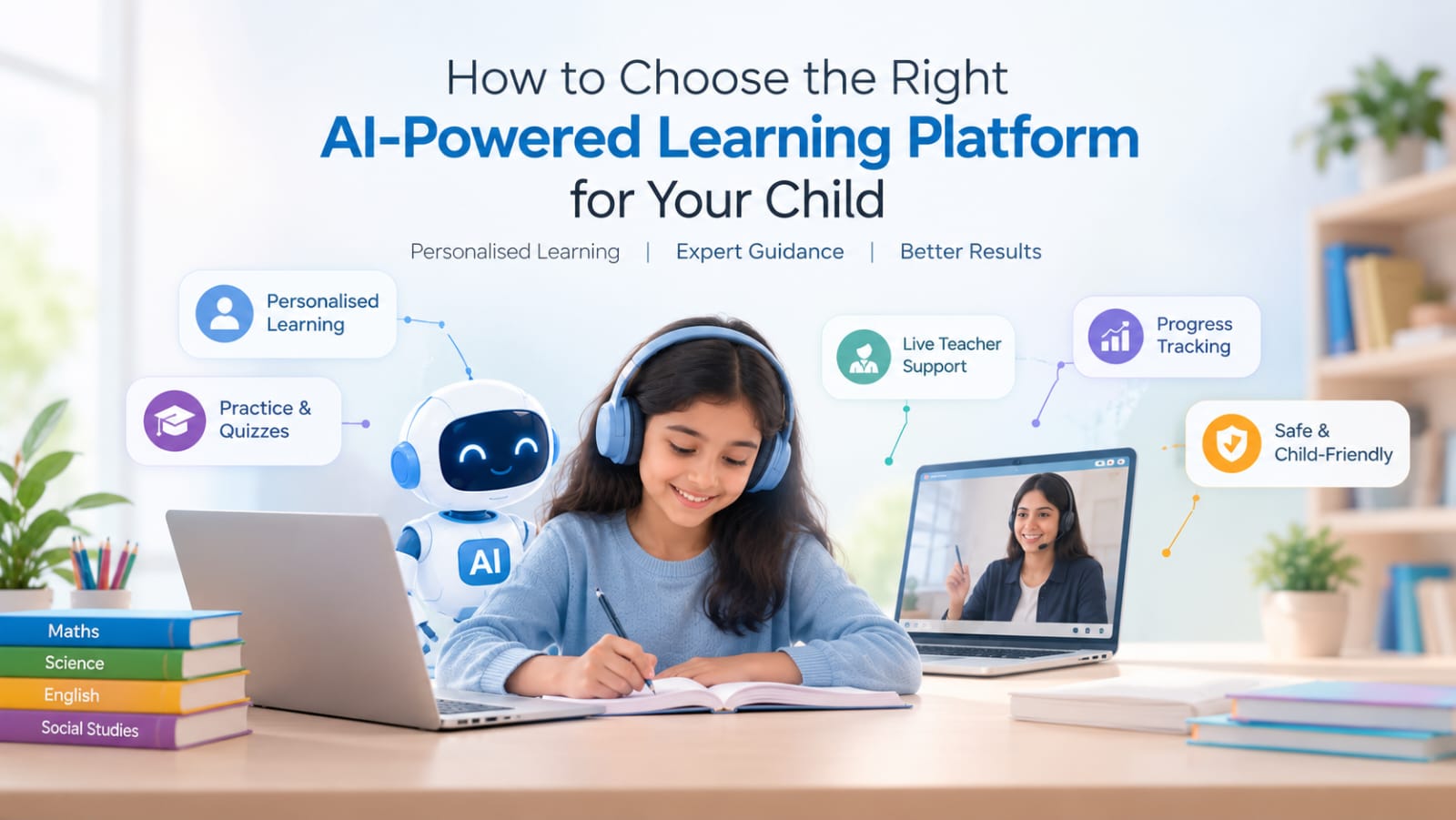
Every child learns differently. Some students understand concepts quickly through videos, while others need extra practice, clear explanations, or guidance from a teacher. This is why many parents are exploring an AI-powered learning platform for their child.
But with so many digital learning options available, how can you decide which one is right for your child? The key is to look beyond artificial intelligence and evaluate how well the platform supports your child’s actual learning needs.
1. Look for Personalised Learning
A good learning platform should help students learn at a pace that suits them. Look for features that recommend relevant lessons, identify areas for improvement, and provide additional practice when needed.
Personalised learning can help children focus on topics they find challenging instead of following exactly the same study path every day. However, AI recommendations should support learning rather than replace a parent’s or teacher’s judgement.
2. Check the Quality of Teacher Support
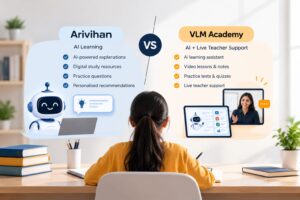
AI tools can help explain concepts, suggest answers, and provide practice questions. However, children may still need a human teacher when they are confused, struggling with a difficult concept, or looking for a different explanation.
When comparing platforms, check whether live teacher support is available, how students can contact teachers, and what hours or subscription conditions apply. The combination of technology and human guidance can be especially useful for students who need additional explanation.
3. Evaluate Practice and Study Resources
Learning improves when students actively use what they have studied. Choose a platform that offers useful practice opportunities, such as:
- Topic-wise practice questions and MCQs
- Quizzes and regular tests
- Notes and video lessons
- Sample papers and previous-year questions, where relevant
- Revision activities for important concepts
Check that the content matches your child’s class, syllabus, and examination requirements. A large content library is only useful when the material is accurate, understandable, and relevant.
4. Understand Progress Tracking
Progress reports can help parents and students understand what is going well and where more work may be needed. Look for clear performance summaries, topic-level results, and recommendations for further practice.
Use these reports to guide conversations about learning. A low score should be treated as an opportunity to identify a learning gap, not as a label for a child’s ability.
5. Prioritise Safety, Privacy, and Ease of Use
A child-friendly learning platform should be easy to navigate and suitable for the student’s age. Parents should also review its privacy policy, data collection practices, permissions, communication features, and parental controls.
Check whether the platform explains how children’s information is used and provides appropriate safeguards. It is also worth reviewing the cost, renewal terms, device compatibility, and the availability of customer support before subscribing.
6. Compare Platforms Before Making a Decision
Use the following checklist when evaluating an AI-powered learning platform for your child.
| What to check | Why it matters |
|---|---|
| Personalised learning | Helps address individual learning needs |
| Human teacher support | Provides another way to clarify difficult concepts |
| Practice and assessments | Helps students apply and revise what they learn |
| Progress analytics | Highlights strengths and areas for improvement |
| Safety and privacy | Helps parents make informed decisions about children’s data |
| Cost and usability | Ensures the platform fits the family’s needs and budget |
If possible, try a demo or free version before committing. Observe whether your child can use the platform comfortably and whether it encourages understanding rather than simply completing activities.
How VLM Academy Supports Student Learning
VLM Academy offers a combination of AI-supported learning tools and teacher-support features for school students. Its student app includes learning resources, practice questions, quizzes, video lessons, performance insights, and an AI learning assistant. Live teacher-support options are also part of its learning offering.
This combination can give students different ways to approach their studies: they can practise independently, revisit concepts, and seek human guidance when needed. Parents should review the current app features, teacher availability, and applicable plan conditions to determine whether they fit their child’s requirements.
Explore the VLM Academy website or view the VLM Academy Student App to learn more.
Frequently Asked Questions
Is an AI-powered learning platform suitable for school students?
It can be useful when the content matches the student’s age and curriculum, and the platform provides appropriate guidance, practice, and safeguards. Suitability depends on the individual child and the quality of the platform.
Can AI replace a human teacher?
AI can assist with explanations, practice, and personalised recommendations, but it does not fully replace a teacher’s judgement, empathy, and ability to understand a student’s individual circumstances. Both can play complementary roles.
What is the most important feature to look for?
There is no single best feature for every child. Start by identifying your child’s needs, then compare content quality, personalised learning, teacher support, practice tools, progress tracking, privacy, and cost.
Final Thoughts
Choosing the right AI-powered learning platform for your child is about finding the right balance between technology, quality educational content, and human guidance. Rather than choosing a platform because it offers the most features, focus on whether it helps your child understand concepts, practise consistently, and build confidence.
Ready to explore a more personalised learning experience? Visit VLM Academy and review its learning tools to see whether they match your child’s educational goals.